 CaptionSwift
Get started
Free auto captions - Hinglish first
Captions Jo
sab padh lein.
Short video daalo, auto captions pao, har word fix karo, style chuno, export karo. Free, no signup - seedha browser mein.
Real output
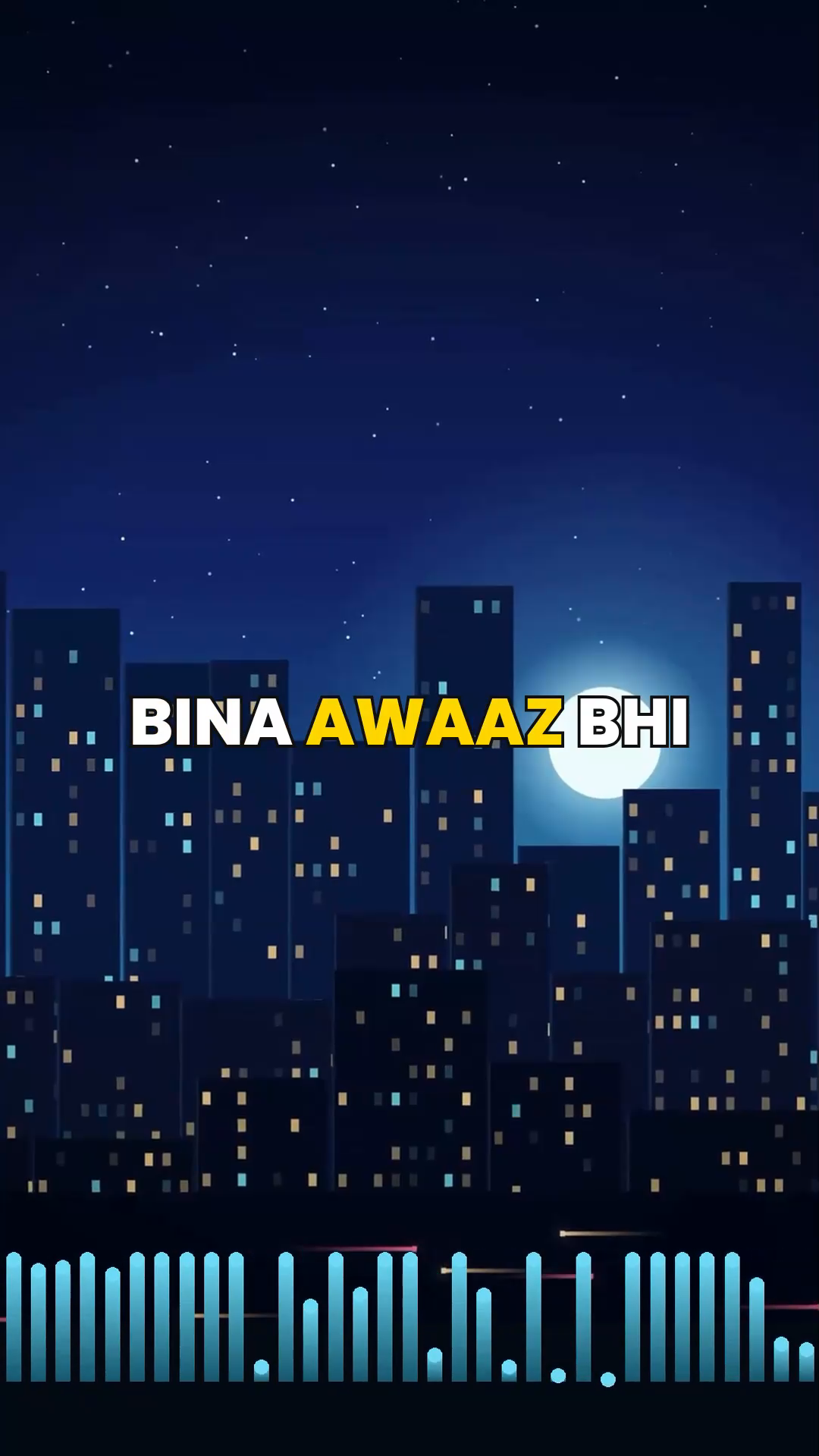
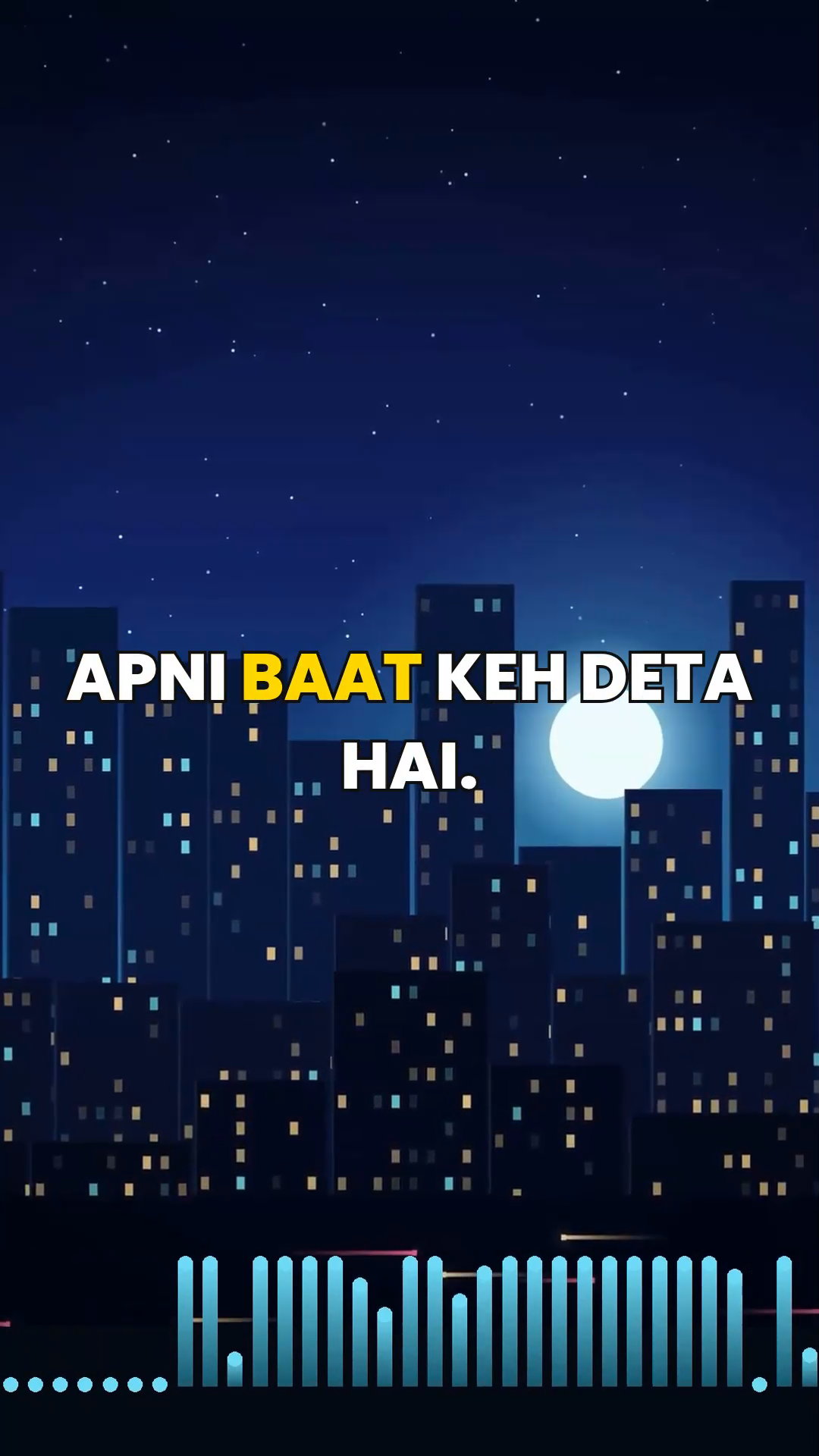
Aise dikhte hain captions
Ye frames CaptionSwift se export kiye gaye actual video se hain - koi mockup nahi. Captions video ke andar burn ho jate hain, to Reels, Shorts ya WhatsApp - jahan video chale, captions saath chalte hain.
Get startedDemo asli recording hai. Is page par upload nahi hota - "Get started" se caption tool khulta hai.
Caption styles
Apne channel ka style chuno
Paanch real export styles - waise hi jaise video mein burn hote hain.
KYA SCENE HAI
Word highlight
KYA SCENE HAI
Bubble box
kya scene hai
Minimal
KYA SCENE HAI
Plain black
KYA SCENE HAI
Plain white
Toolkit
Everything a caption generator should do
No signup, no paid upgrade - upload, fix, style and export in one place.
Auto captions
Add your video and get timed captions (subtitles) from its audio - no typing, no timeline work.
Hinglish, in your script
Roman Hinglish or Devanagari - pick the script your audience reads.
9 audio languages
Hinglish, English, Spanish, Arabic, Hebrew, Portuguese, French, German and Tamil audio, right-to-left preview included.
Edit every word
AI can mishear. Fix any word, and click a time to play the video from there.
Caption styles
Fonts, sizes and plain white or black colours that match your edit.
Video or SRT export
Burn captions into the video, or download the corrected SRT for CapCut, YouTube and other tools.
For creators
Captions for every kind of creator
YouTube Shorts
Auto captions that keep Shorts viewers watching with the sound off.
Instagram Reels
Styled captions that fit Reels, exported ready to post.
Hinglish creators
Roman Hinglish captions - written the way your audience actually types and reads.
How it works
Clip se captioned video, teen steps
Upload
Reel, Short ya koi bhi clip daalo - phone ya computer se.
Fix
Captions speech ke saath milte hain. Koi word galat ho to turant badlo - AI galti kar sakta hai, isliye har caption padh lo.
Export
Style chuno aur finished MP4 download karo - ya sirf corrected SRT.
FAQ
Questions, answered
Is CaptionSwift really free?
Yes - auto captions, editing, styling and export are completely free, with no signup and no paid upgrade or charges.
Can I add subtitles to a video for free?
Yes. CaptionSwift is a free subtitle generator: add your video, get auto subtitles from its audio, fix any word, and burn the subtitles into the video or download the corrected SRT. No signup, no watermark.
Can I add an SRT file to a video?
Yes. Paste your SRT in the manual captions option - CaptionSwift adds the SRT to your video with your chosen styling and exports a finished MP4. Manual captions are always free.
Which languages can it caption?
Hinglish, English, Spanish, Arabic, Hebrew, Portuguese, French, German and Tamil audio. Hinglish captions can be shown in Roman or Devanagari script.
Do I need to install an app?
No - CaptionSwift runs in your browser, on your phone or your computer.
Where does my video go?
Your video stays on your device while you caption it - only its audio is sent for transcription. The finished captioned video is uploaded only if you use the expiring download link; "Download video on this device" keeps it fully on your device.
Guides
Caption guides & ideas
SRT generator
Turn your video's audio into an SRT subtitle file, fix every line, download the SRT or burn it in.
100+ Hinglish caption ideas
Copy-paste Hinglish captions for Instagram and TikTok posts - attitude, funny, love, dosti, motivation.